Built for TikTok LIVE

TikTok LIVE games your viewers play with gifts

Two Windows apps you run beside your stream. Gifts, follows, comments and likes drive the action in real time, on our own titles or on the game you already play.

Free for ever · Pro free on your first 3 streams · no card

Titles
14+
Apps
2
Works with
Any game
Live on
TikTok

00 · On screen

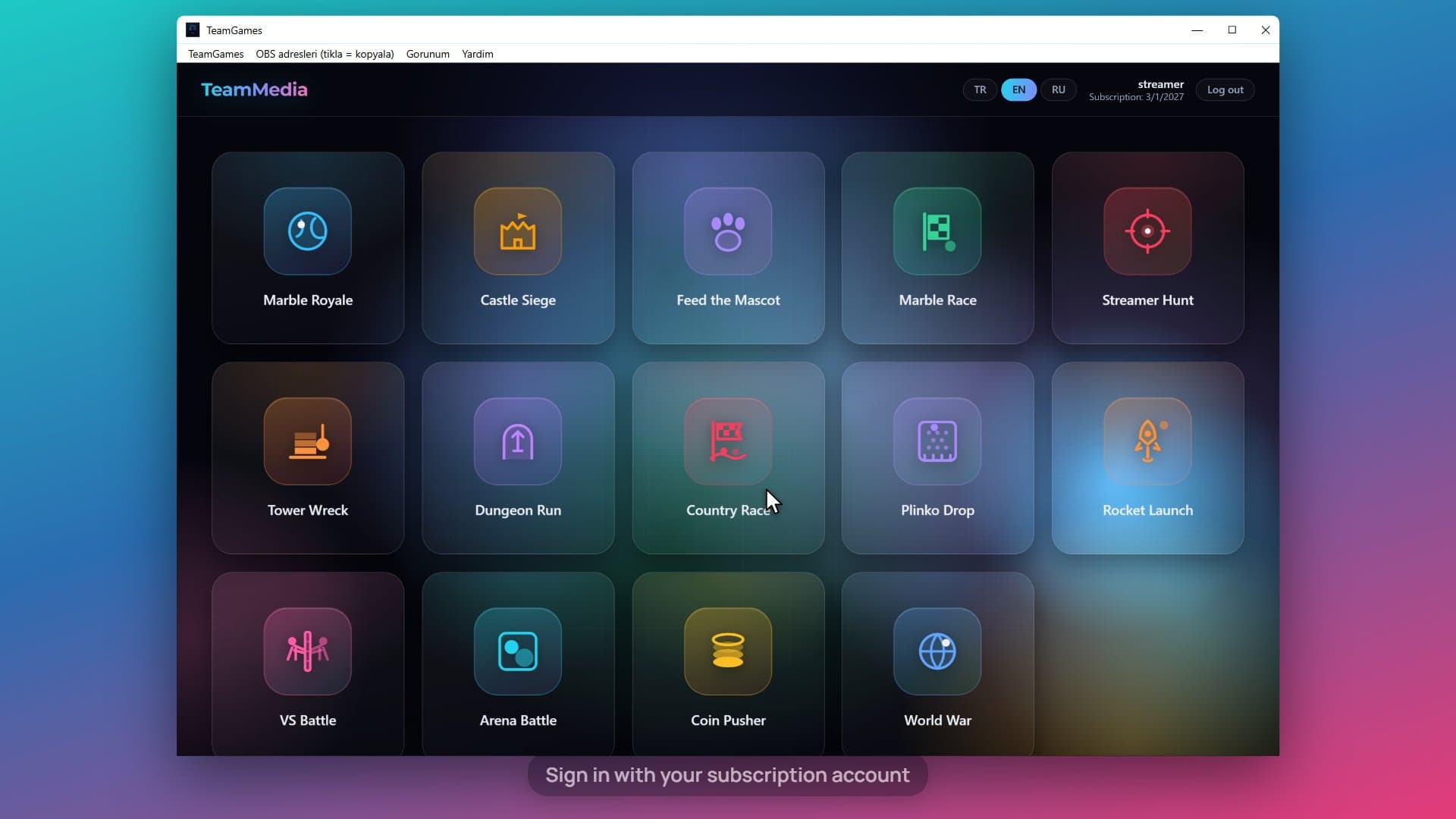
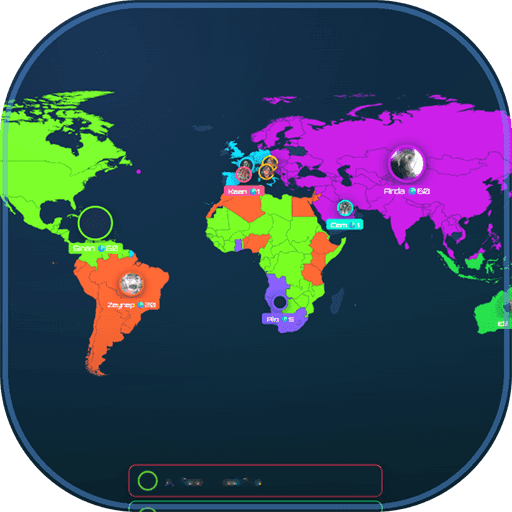
TeamGames, from installer to OBS, on a real screen

Install, sign in, pick a game, connect your LIVE room, watch gifts play it, and add the OBS link. No voice-over; the cursor does the talking.

01 · Explorer

Two ways to put a game on your TikTok LIVE stream

TeamGames brings our own growing library. TeamTok layers the same mechanics onto whatever you already play. Most streamers end up wanting both.

Our own games, running on your stream

$9.99 / month

Free plan · 3 Pro streams free — no card needed; the free plan is permanent, and Pro is open for your first 3 live streams or 14 days, whichever comes first.

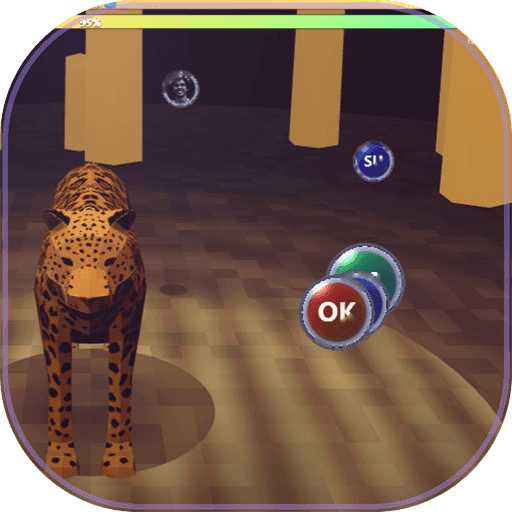
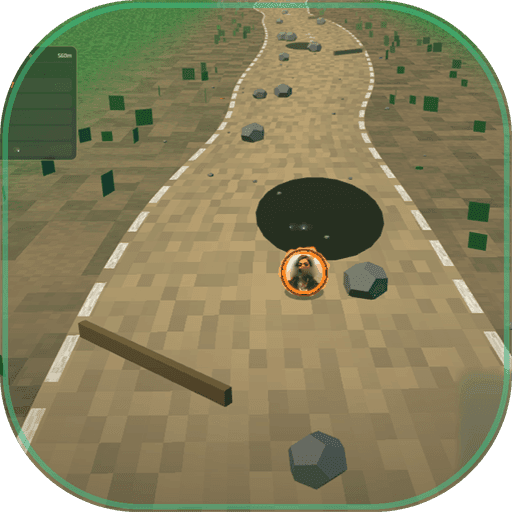
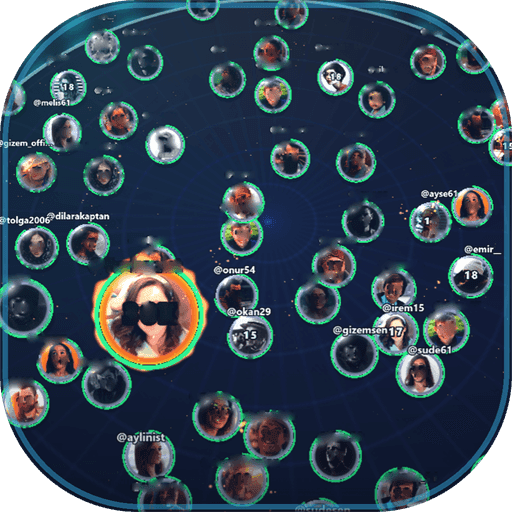
A growing library of games we build ourselves, in one Windows app. One subscription covers everything in it, and every new game we add joins your subscription automatically, at no extra cost.

You add the game window to OBS as a browser source and go live. Your viewers drive the action: gifts, follows, comments and likes all feed straight into whatever is on screen.

In the library today

We keep adding to this library. Every new title joins your subscription automatically, at no extra cost — the list above is where it stands today, not where it stops.

Start freeFull details

Already have an account? Sign in

02 · The loop

Four ways a viewer joins in

Gifts, follows, comments and likes all reach the game — on TeamGames and TeamTok alike. You decide what each one does.

  • Gifts

    Every gift carries a coin value, so a gift can drive a proportional event.

  • Follows

    A new follow can trigger its own moment — an entry, a spawn, a bonus.

  • Comments

    A keyword in chat joins a viewer to a round or casts their vote.

  • Likes

    Sustained likes build a shared meter the whole room pushes together.

TikTok gifts, their coin value, and an example of the in-game event each one can be mapped to.
GiftCoinsExample eventSample— the figures in this block are illustrative, not real data.
Rose1Drop one token into the pusher
Finger Heart5Enter a marble in the next race
Perfume20Feed the mascot one level
Hand Hearts100Reinforce a front in World War
Corgi299Revive one eliminated marble
Money Gun500Spawn a hunter and extend the round
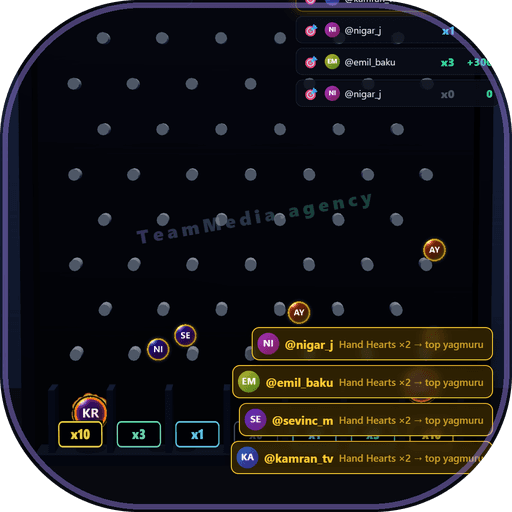
Swan699Send a golden ball down the Plinko board
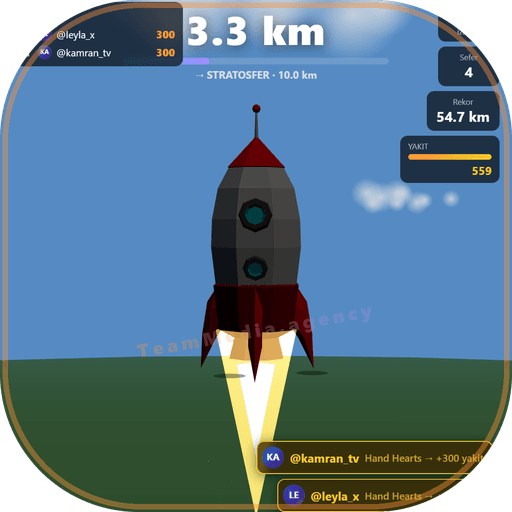
Train899Pump a tank of fuel into the rocket
Galaxy1,000Nitro-boost your country's race car
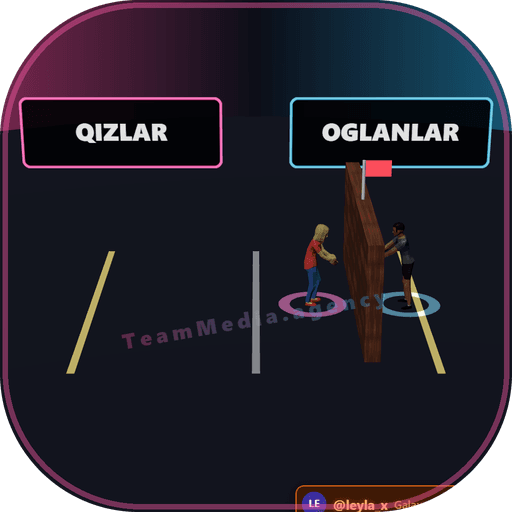
Diamond Ring1,500Shove the wall in VS Battle
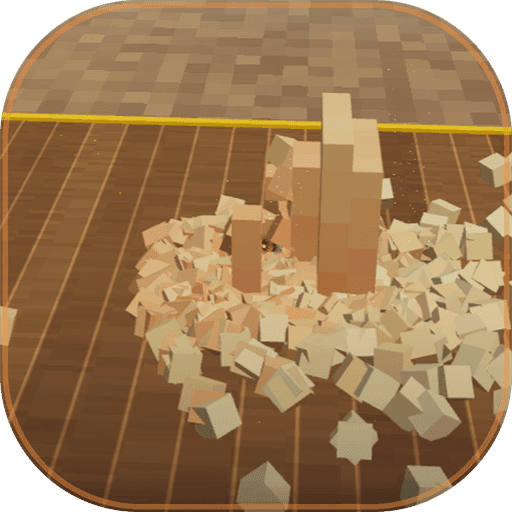
Rocket20,000Remove six blocks from the tower
TikTok Universe44,999Trigger the room-wide finale

Sample data note: Coin values are TikTok's. The events are one example of a mapping — you connect your TikTok LIVE, then decide which gifts, follows, comments and likes fire which in-game events, so the rules are yours to set.

04 · Setup

Four steps to your first round

Account, download, connect, test — the /start page walks you through it and ticks each step as you do it. No code, and no waiting on us.

  1. 01

    Start free

    Create a free account with your TikTok @ and confirm your e-mail. Both apps open on the free plan right away, and your first 3 live streams run on Pro. No card.

    The /start page lists every step and ticks them as you go. Nothing is charged until you upgrade.

  2. 02

    Download and install

    Download the Windows app from the wizard and run the installer. Windows may say the publisher is unknown: choose More info, then Run anyway.

    The download is signed to your account — it is only ever on your own pages.

  3. 03

    Sign in and connect

    Sign in with the same e-mail and password as this site. TeamGames: copy the one OBS link and add it as a Browser Source. TeamTok: map a gift to a key.

    The TikTok @ on your account is the LIVE room the app listens to. Change it any time on your account page.

  4. 04

    Send a test gift, then go live

    Press Send test gift in the app — a rose lands in the game (or the key fires). That tick proves the whole setup. Then start your stream.

    Every gift, follow, comment and like lands in the game in real time. Change the mapping between sessions as often as you like.

05 · Apps

The two apps in full

Different jobs, not competing options.

  • TeamGames

    $9.99 / month

    Free plan · 3 Pro streams free — no card needed; the free plan is permanent, and Pro is open for your first 3 live streams or 14 days, whichever comes first.

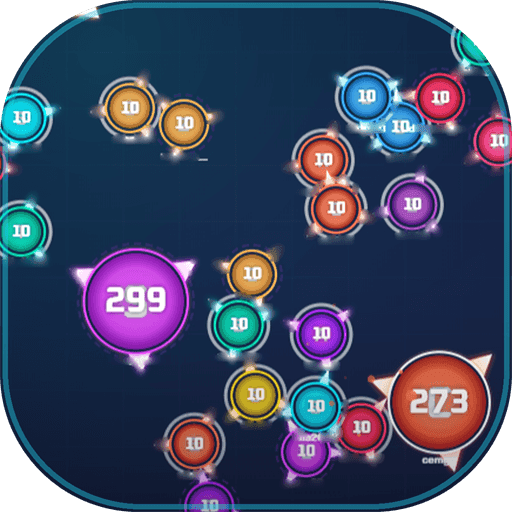
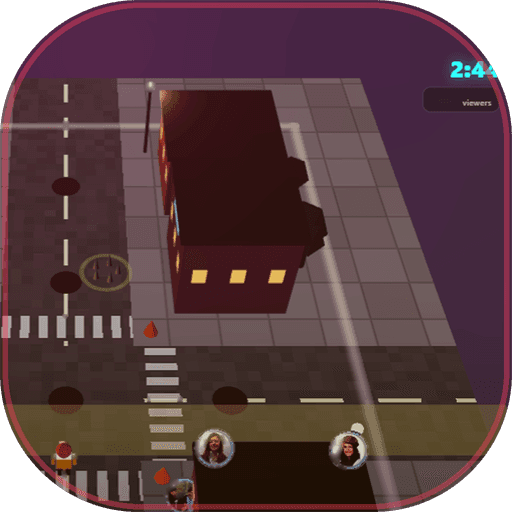
    One subscription unlocks all fourteen TeamGames titles: Arena Battle, Castle Siege, Coin Pusher, Country Race, Dungeon Run, Feed the Mascot, Marble Race, Marble Royale, Plinko Drop, Rocket Launch, Streamer Hunt, Tower Wreck, VS Battle and World War. They run in one Windows app. You download it from your account page, sign in with the same e-mail and password as the site, and add the game window to OBS as a browser source. Your viewers' gifts, follows, comments and likes drive every game in real time. Any game we add next joins the app automatically, at no extra cost.

  • TeamTok

    $19.99 / month

    Free plan · 3 Pro streams free — no card needed; the free plan is permanent, and Pro is open for your first 3 live streams or 14 days, whichever comes first.

    TeamTok is a Windows app that turns TikTok LIVE gifts, likes and follows into key presses in the PC game you are already streaming: GTA V, Minecraft, PUBG, CS2, Fortnite, Valorant, Rocket League, Roblox, Apex Legends, EA FC or anything else. You map each gift to a key, keep the game window focused, and your viewers steer what you play. Download it from your account page and sign in with the same e-mail and password as the site. TeamTok sends simulated keyboard input, so some competitive games with anti-cheat may not allow it. Check the game's rules first. TeamTok is an independent TeamMedia tool — it works with these games but isn't affiliated with, sponsored by, or endorsed by any of their publishers.

No card. Create a free account and confirm your e-mail — both apps open on the free plan straight away, for ever. Your first 3 live streams (15 minutes or more, within 14 days) run with everything Pro unlocks; after that the app stays on the free plan unless you subscribe, and nothing is charged before you choose to. Already have an account? Sign in and subscribe from your account page.

Both apps include

  • Set up in minutes, no help needed
  • You choose what each gift does
  • Product support on Telegram, WhatsApp and TikTok

07 · Trust

Before you subscribe

  • Secure checkout & invoices

    Payments and invoicing run through our checkout provider.

  • Clear refund policy

    The refund and cancellation terms are published, not on request.

  • Cancel anytime

    From your account page, or a message to us on Telegram, WhatsApp or TikTok. You keep access until the end of your paid period.

  • Product support included

    Every subscription includes product support. Message us on Telegram, WhatsApp or TikTok and a person answers.

08 · Questions

Common questions

Put a game on your stream tonight

Create a free account, download the app, send one test gift. Seven steps that tick themselves as you go — no card, no code.

Already have an account? Sign in · Running an agency as well? See the TeamMedia tools